How to Build a Cost-Effective Home Network Without Falling for Marketing Lies
Introduction
Ethernet is the backbone of any healthy home network—but chances are you're overspending on it. Marketing myths have convinced many to buy premium cables and hardware that offer zero real-world benefit for typical homes. This guide will walk you through six steps to avoid these traps, choose the right components, and build a reliable network without breaking the bank.
What You Need
- Basic understanding of your internet speed (check your ISP plan)
- Rough floor plan or list of devices to connect
- Pen and paper or a note‑taking app
- Optional: cable tester (for confirmation)
Step‑by‑Step Guide
Step 1: Determine Your Actual Speed Needs
Don't buy based on what sounds impressive—buy based on what your internet connection and local devices can actually use. For example, if your ISP plan is 200 Mbps, a Gigabit Ethernet port (1000 Mbps) is already overkill. Even for 4K streaming, a Cat5e cable (up to 1 Gbps) is perfectly sufficient. Key fact: Most households never exceed 1 Gbps for decades to come.
Step 2: Choose the Right Cable Category
Marketers love to push Cat7 or Cat8 as “future‑proof.” In reality, Cat6 handles 10 Gbps up to 55 meters—more than enough for any home. Avoid shielded cables (STP) unless you live next to a radio tower or run cables near heavy machinery. For 99% of houses, unshielded Cat6 (UTP) is the sweet spot between performance and cost.
Step 3: Steer Clear of “Gaming” and “Premium” Cables
A $50 “gaming” Ethernet cable delivers exactly the same 1s and 0s as a $5 patch cable. The only difference is marketing. Look for cables with pure copper (not copper‑clad aluminum) and proper 24‑AWG thickness—but even these are cheap when bought from non‑gaming brands. Ignore “gold‑plated” connectors; they don't improve signal.
Step 4: Don't Overpay for Switches and Routers
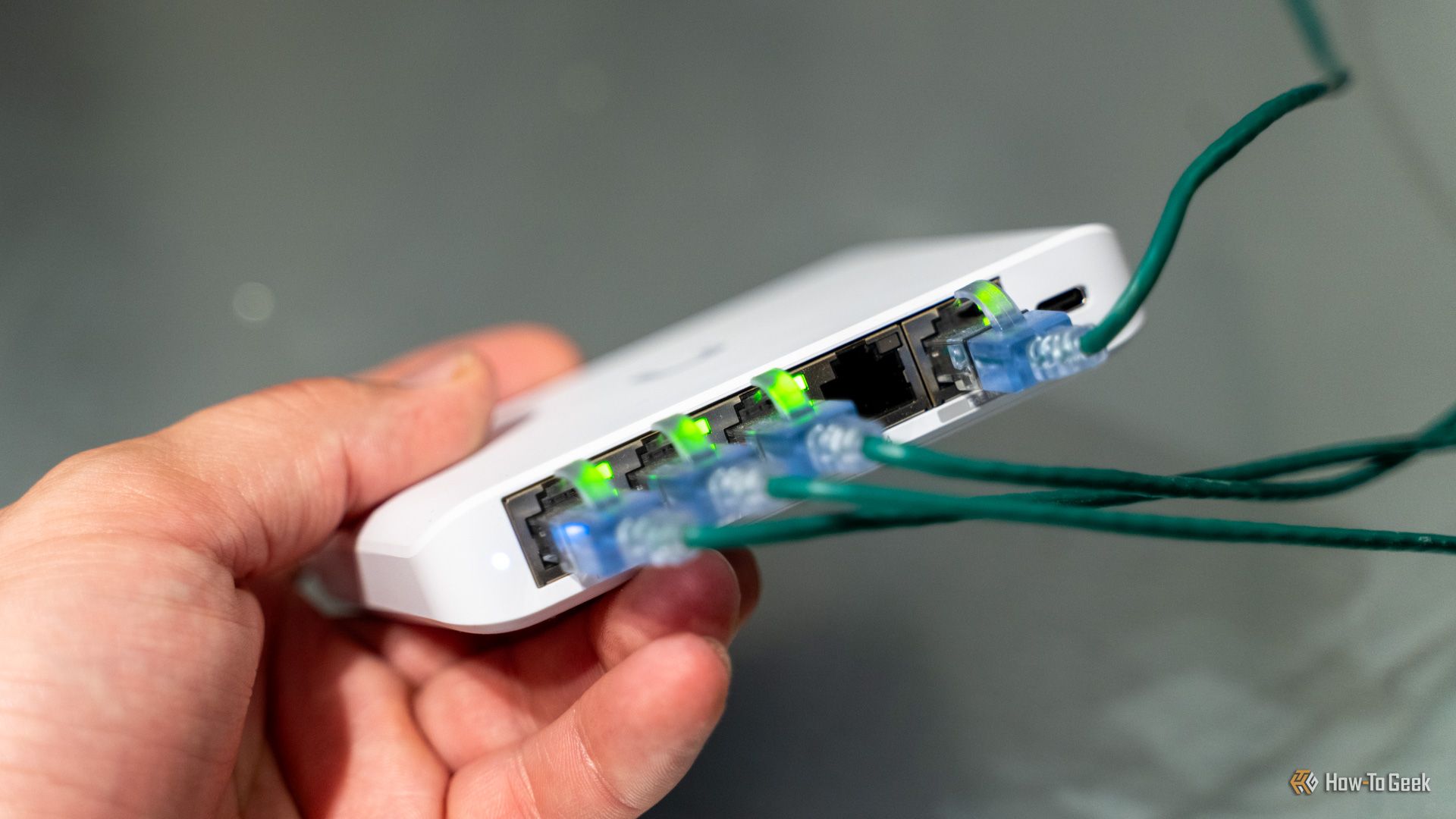
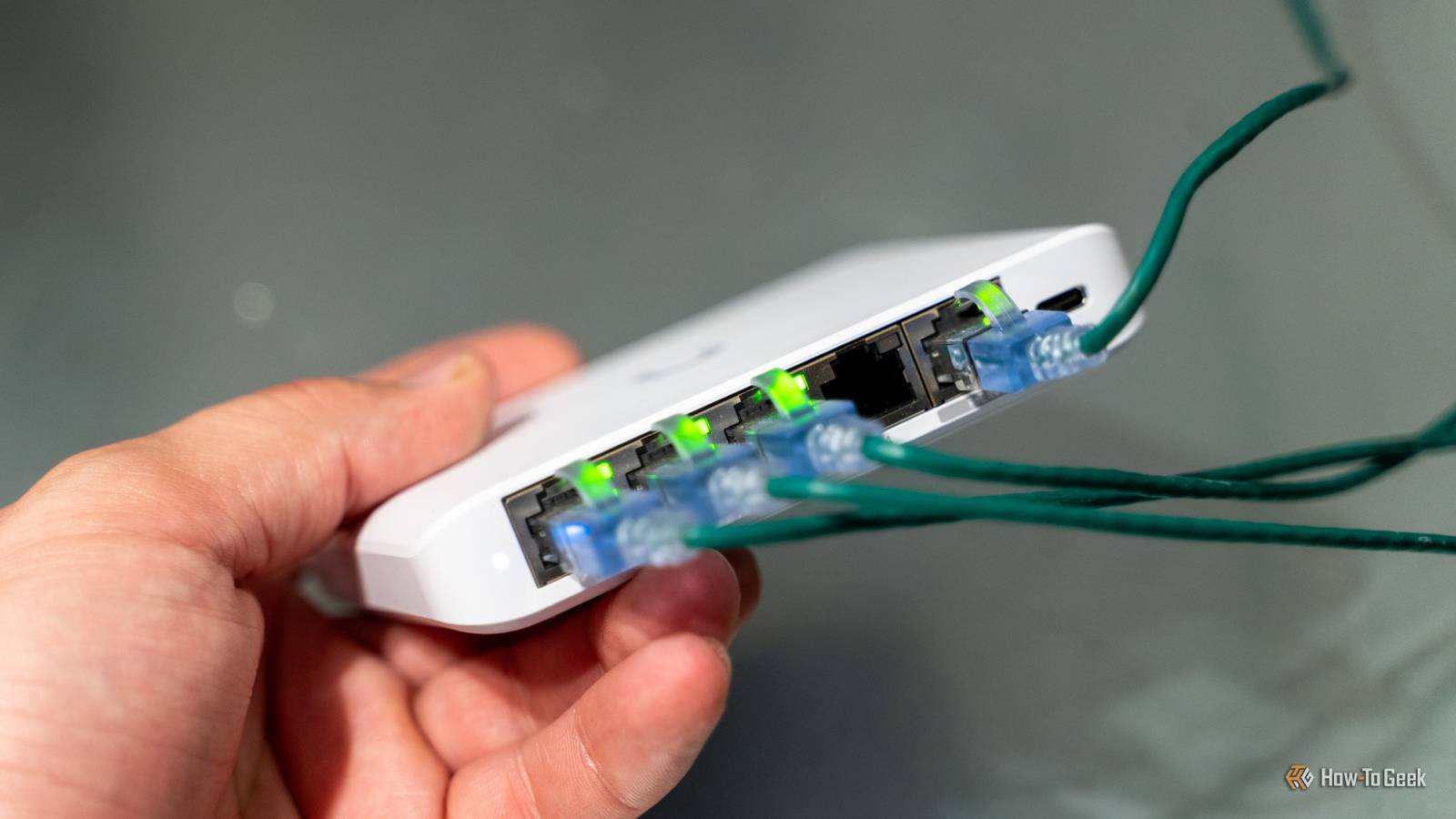
Many store‑brand switches are overpriced. A simple unmanaged Gigabit switch from a reputable brand (e.g., TP‑Link, Netgear) costs under $20 for 5 ports. Avoid “managed” switches unless you need VLANs or traffic prioritization. Similarly, your router is fine if it has Gigabit LAN ports—no need for a “gaming router” unless you're a competitive e‑sports player.
Step 5: Terminate Cables Yourself (Optional but Cost‑Saving)
If you're running cables through walls, buying bulk Cat6 and crimping connectors yourself can cut costs by 50% or more. Watch a few YouTube tutorials—it's easy with a good crimping tool. For long runs, use keystone jacks and patch panels instead of RJ45 plugs; they're more reliable.
Step 6: Test Your Setup Before Finalizing
Even cheap cables can have wiring faults. Use a simple cable tester (under $15) to confirm all pairs are properly connected. Then run a speed test (e.g., iperf) between two wired devices to ensure you're getting full throughput. If your speed matches your ISP plan, you're done—no need to upgrade.
Tips for Long‑Term Success
- Don't mix cable grades—use the same category throughout a run.
- Avoid flat cables for permanent installations; they're more prone to interference and breakage.
- Label both ends of every cable—it saves hours when troubleshooting.
- Invest in a proper cable management box to keep dust and pets away.
- If you plan to move soon, buy pre‑terminated patch cables instead of bulk runs—they're still cheap.
Remember: the goal is a reliable network, not the most expensive one. By following these steps, you'll avoid the six common marketing lies and save money.