10 Reasons Why Cron in WSL Is More Reliable Than Windows Task Scheduler
When it comes to automating tasks on Windows, the built-in Task Scheduler often feels like a black box—unpredictable and clunky. Enter the Windows Subsystem for Linux (WSL). While most users install WSL to run Linux tools, there’s a hidden gem: the Linux cron utility. It’s a straightforward, no-fuss way to schedule scripts that interact with your Windows filesystem. Compared to Task Scheduler, cron in WSL just works—and it works the way you expect. Here are ten reasons why cron in WSL should be your go-to automation tool.
1. Predictability and Simplicity
Windows Task Scheduler has a steep learning curve with dozens of triggers, conditions, and settings that often behave unexpectedly. Cron, on the other hand, uses a single, concise syntax: five fields for minute, hour, day, month, and weekday. You write a line like 0 2 * * * /path/to/script and it runs reliably at 2 AM. No hidden toggles, no mysterious defaults—cron does exactly what you tell it, every time. This simplicity means fewer debugging sessions and more trust in your automation.
2. Native Linux Environment
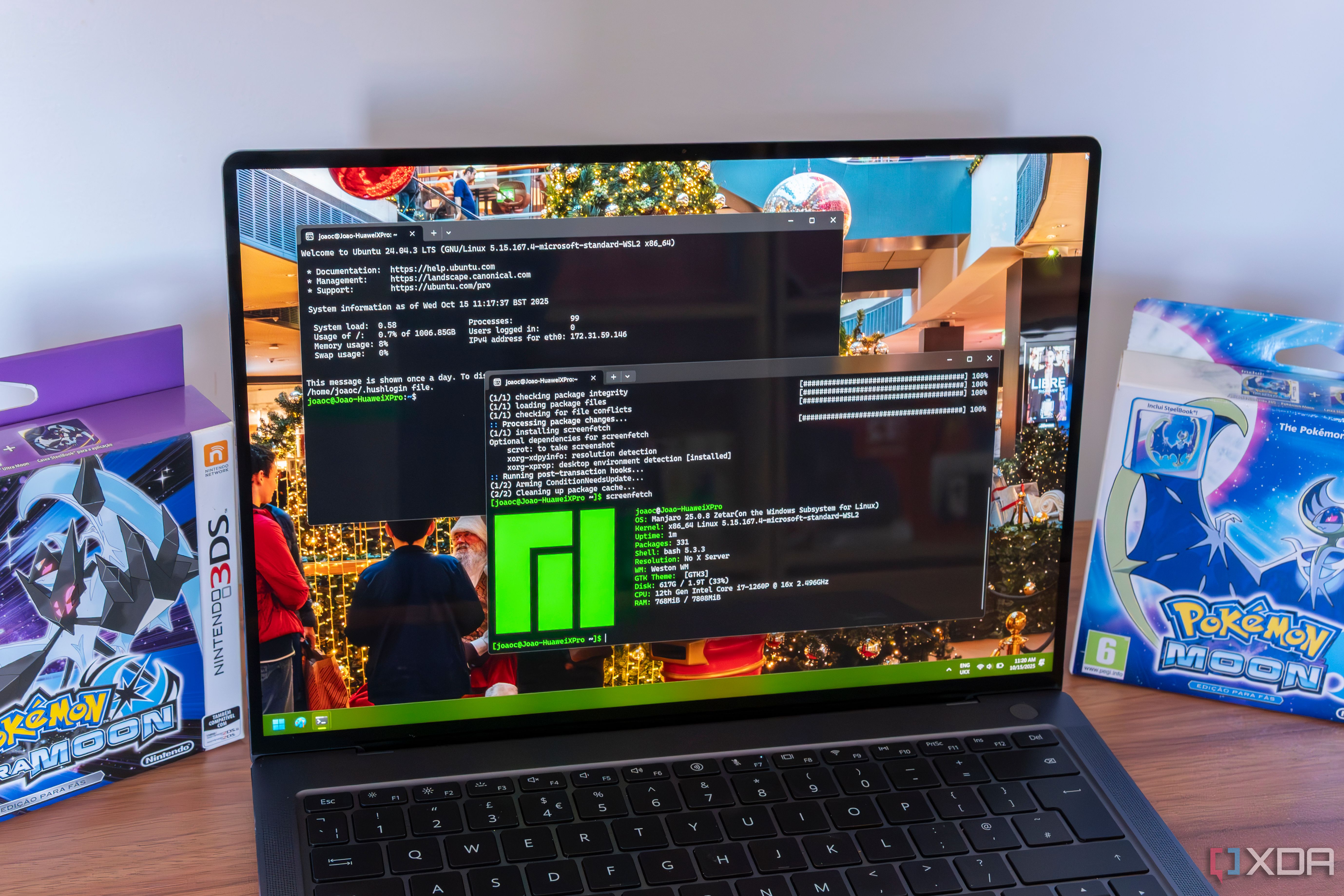
WSL gives you a full Linux kernel environment. That means cron runs in a real Linux shell, not an emulation. It can execute complex bash scripts, use Linux commands like grep, awk, or sed, and inherit the same environment variables you’d have in a native Linux installation. Task Scheduler runs in a Windows context with different path separators and command syntax. If you’re already working in WSL, using cron eliminates the mental overhead of switching between two different scripting ecosystems.
3. Seamless Windows Filesystem Access
One of WSL's best features is its ability to mount your Windows drives (e.g., /mnt/c/). Cron inside WSL can directly read and write to your Windows files and folders using standard Linux paths. Want to run a backup script that copies files from C:\Users\John\Documents to a cloud service? Cron handles it without needing any special permissions or bridges. Task Scheduler can also run scripts, but it requires careful configuration to avoid permission issues. Cron simply works because the Linux kernel treats Windows files as native ones.
4. No GUI Overhead
Windows Task Scheduler is a graphical tool that demands a full GUI session to create and manage tasks. That’s overkill when you just want a silent background job. Cron runs entirely in the background via a daemon process. You edit your crontab using a simple text editor (like nano or vim), and the scheduler does the rest. This headless operation means fewer resources consumed, no accidental task corruption from UI misclicks, and easier remote management via SSH. It’s automation for the minimalist.
5. Flexible Scheduling Syntax
Cron’s time fields support ranges (1-5), lists (1,5,10), steps (*/15), and special strings like @daily or @hourly. This gives you immense control in a compact format. Task Scheduler can do similar intervals, but creating complex patterns (e.g., “every 15 minutes on weekdays except holidays”) often requires building multiple triggers or editing XML. Cron makes advanced scheduling trivial. Once you learn the syntax, you can express any recurring schedule in a single line and stick it in your crontab.
6. Scripting Integration
Cron meshes flawlessly with any scripting language you run in WSL—bash, Python, Perl, Node.js, you name it. There’s no need to configure separate interpreters or set explicit paths. Just call the script using its shebang. Task Scheduler requires you to specify the program and start-in directory, and it often fails if the script needs environment variables set elsewhere. With cron, your scripts run in the same context as your interactive shell, making testing and deployment a breeze.
7. Run as Different Users
While Task Scheduler can run tasks as different users, it involves credential management and security prompts. In cron, you can create multiple crontabs—one per user. Each user’s cron jobs run with that user’s permissions. If you need a task to run as root, you edit root’s crontab. For a standard user, you use a regular crontab. This user-based isolation is cleaner, more secure, and less prone to “access denied” errors that plague Task Scheduler
8. Logging and Debugging
When something goes wrong in Task Scheduler, you often get a cryptic “Last Run Result” code or nothing at all. Cron logs its activities to /var/log/syslog (or similar) with clear timestamps and exit codes. You can also send output directly to a log file by appending >> /path/to/log.log 2>&1 to your cron command. Want to test a job? Just run the command manually in your shell—if it works there, it works in cron. This transparency saves hours of troubleshooting.
9. Portability and Standardization
Cron is a POSIX standard utility available on virtually every Unix-like system. If you ever switch from WSL to a full Linux machine, your crontabs transfer without changes. Task Scheduler is Windows-only, so migrating to another platform means reconfiguring everything from scratch. By adopting cron in WSL now, you future-proof your automation. And since cron is decades old, there’s a vast ecosystem of examples, best practices, and community support to help you build robust schedules.
10. Open Source and Community Trust
Because cron is open source, its behavior is well-documented and predictable. There’s no hidden telemetry, no forced updates, and no business incentive to break backward compatibility. Windows Task Scheduler changes with each OS version, sometimes altering default behaviors. Cron, however, remains stable—I’ve used the same cron syntax on systems from the 1990s to today’s WSL. That reliability makes it the foundation for critical production tasks, from database backups to log rotation.
Cron inside WSL isn’t just an alternative to Windows Task Scheduler—it’s a smarter, cleaner, and more predictable way to schedule tasks. Its simplicity lets you focus on the automation logic rather than fighting the scheduler. Whether you’re a developer, sysadmin, or power user, giving cron a try in WSL can transform your workflow. Start small: create a crontab, run a test script, and see for yourself why many of us never look back at Task Scheduler.