How to Give Your AI Agent Secure AWS Access with the AWS MCP Server
Introduction
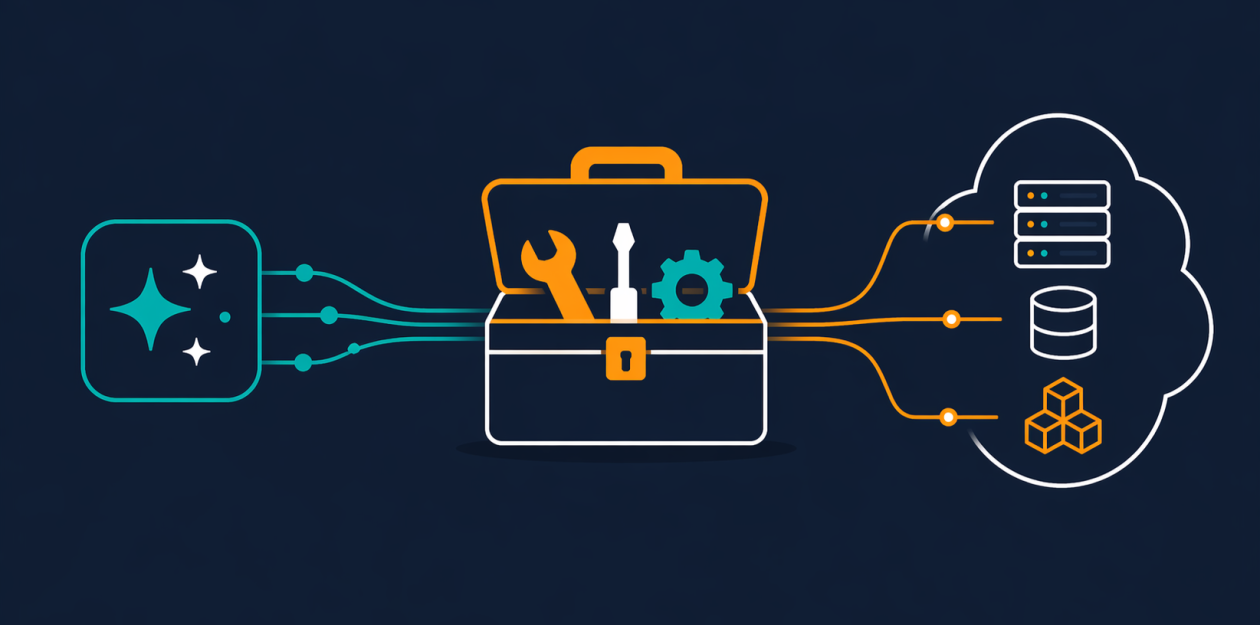
If you've been working with AI agents and Model Context Protocol (MCP) tools, you've probably faced a common challenge: how do you let an agent interact with AWS services without giving it unrestricted access? The answer is now here. The AWS MCP Server—now generally available as part of the Agent Toolkit for AWS—provides a managed, remote server that gives AI agents secure, authenticated access to all AWS services through a small, fixed set of tools. This guide walks you through setting up and using the AWS MCP Server step by step, so your agent can work with current AWS documentation and APIs while you retain fine-grained control over permissions.
What You Need
Before you begin, ensure you have the following:
- An AWS account with appropriate permissions to create and manage IAM roles and policies.
- AWS CLI (or AWS SDK) configured with credentials that have enough privileges to set up the MCP Server.
- An MCP-compatible AI agent or coding assistant (e.g., Claude with MCP support, or a custom agent using MCP client libraries).
- Basic familiarity with IAM policies and context keys (optional but helpful).
Step-by-Step Guide
Step 1: Understand the Core Tools
The AWS MCP Server offers a compact set of tools that don't consume your agent’s context window. Familiarize yourself with them:
call_aws– Executes any of the 15,000+ AWS API operations using your existing IAM credentials. New APIs are supported within days of launch.search_documentationandread_documentation– Retrieve current AWS documentation and best practices at query time, keeping your agent always up-to-date.run_script– Lets the agent write a short Python script that runs server-side in a sandboxed environment (no network, inherits your IAM permissions).
Step 2: Set Up IAM Permissions with Context Keys
One of the best new features in GA is IAM context key support. You no longer need a separate IAM permission for the server itself. Instead, you can express fine-grained access in a standard IAM policy using the aws:mcp context keys. Here’s how:
- Open the IAM console and create a new policy (or edit an existing one) that grants the actions your agent needs.
- Add a condition using context keys like
aws:SourceArnoraws:RequestTagto restrict which MCP clients can use the permissions. - Attach the policy to the IAM role or user that the agent will assume.
- No separate authentication is needed for documentation retrieval—it works without extra credentials.
Step 3: Connect Your Agent to the AWS MCP Server
Your AI agent needs a client implementation that speaks MCP. Most popular agents (like Claude) have built-in support. For custom agents:
- Install an MCP client library (e.g.,
@modelcontextprotocol/sdkfor JavaScript or the Python equivalent). - Configure the client to connect to the AWS MCP Server endpoint (provided by AWS after you enable the server).
- Set the credentials so that the server can use your IAM role (typically via environment variables or AWS CLI configuration).
- Test the connection with a simple
call_awsinvocation, such as listing S3 buckets.
Step 4: Use the Documentation Tools for Up-to-Date Knowledge
AI agents often rely on stale training data. The documentation tools solve this:
- When your agent needs to build infrastructure, it can call
search_documentationto find the latest best practices for AWS CDK or CloudFormation. - Use
read_documentationto fetch full service pages, ensuring the agent doesn't fall back on outdated CLI commands. - This reduces the risk of generating overly permissive IAM policies or missing newer services like Amazon S3 Vectors or Aurora DSQL.
Step 5: Leverage the run_script Tool for Sandboxed Data Processing
The run_script tool is a game-changer for multi-step workflows. Instead of making multiple sequential API calls, the agent can write a Python script that runs in a secure sandbox:

- The sandbox inherits your IAM permissions but has no network access—so the agent can process data without reaching your local filesystem or shell.
- Use it to chain several API calls together: for example, fetch items from DynamoDB, filter them, and compute a summary in a single round-trip.
- This drastically reduces latency and context window consumption compared to making each call individually.
Step 6: Explore and Apply Skills (Formerly Agent SOPs)
AWS has replaced Agent SOPs with Skills, which provide curated guidance and best practices for specific tasks. Skills help your agent produce production-ready infrastructure:
- Each Skill includes step-by-step instructions, IAM policy templates, and rule sets.
- Enable relevant Skills in the Agent Toolkit for AWS configuration.
- Your agent can then reference these Skills when building, reducing hallucinations and security mistakes.
Step 7: Optimize Token Usage and Workflow Efficiency
General availability brought reduced token counts per interaction. To make the most of this:
- Use
run_scriptfor complex aggregations—far more efficient than multiplecall_awsinvocations. - Prefer
search_documentationover asking the agent to guess service behavior. - Monitor your agent’s context consumption; the new token reductions help with long-running multi-step tasks.
Tips for Success
- Start small – Test with a single service and a minimal IAM policy before expanding. Use the MCP Server’s logging to audit every API call.
- Use context keys religiously – They are the best way to implement least-privilege access for your agent. Always restrict by source ARN and tags.
- Keep documentation retrieval unauthenticated – Since documentation tools don’t need auth, you can configure your agent to always fetch latest docs without worrying about credentials.
- Monitor the sandbox – The
run_scriptsandbox has no network, but the script can still perform many AWS operations. Audit outputs to ensure the agent doesn’t leak data via response. - Stay updated – AWS releases new Skills and API support quickly. Check the Agent Toolkit for AWS regularly for new capabilities that can improve your agent’s performance.
By following these steps, you’ll give your AI agent secure, efficient access to AWS—without handing it the keys to the kingdom. The AWS MCP Server now makes it possible to build production-ready infrastructure with AI assistance, backed by current documentation and fine-grained permissions.